
We’ve all been there. You’re putting the finishing touches on a newsletter or a social media post, and you paste in a link. Suddenly, your clean copy is ruined by a massive block of text that looks like this:
I used to just live with it, assuming that was just part of the game. But a few months ago, I started digging into the world of smarter link management, and I stumbled upon a tool (and a concept) that genuinely changed how I handle my links: URLwo.
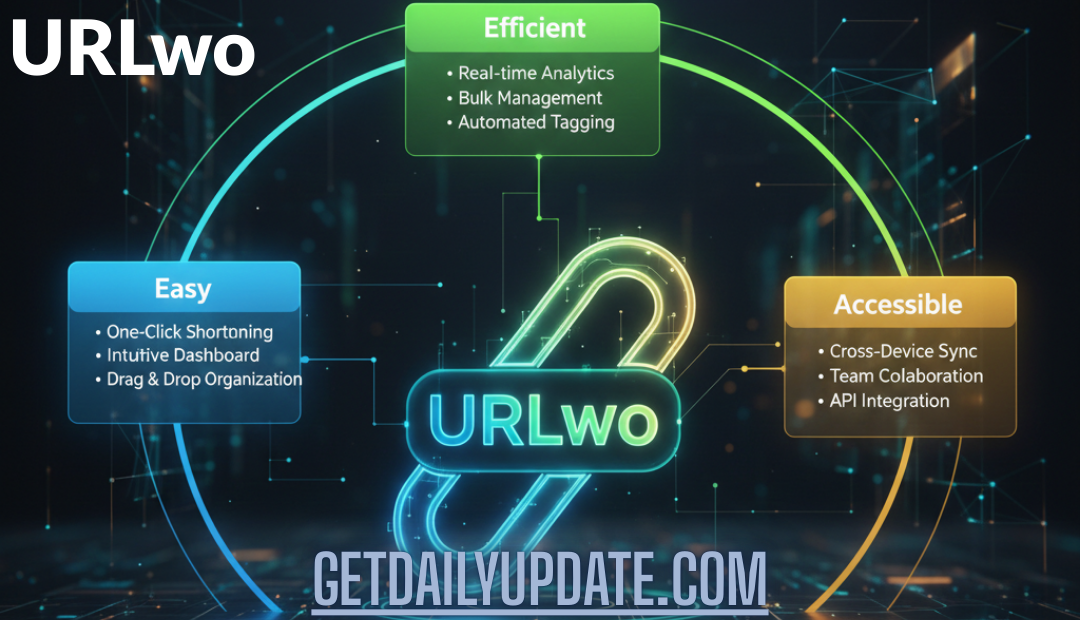
Whether you’re a blogger, a small business owner, or just someone who shares a lot of links, messy URLs are a pain. They break the flow of your text and make people hesitate to click. That hesitation kills engagement. In this post, I want to walk you through why URLwo has become my secret weapon for keeping things easy, efficient, and accessible.
What Exactly is URLwo?
Before we dive too deep, let’s clarify what we’re talking about. In simple terms, URLwo refers to a modern approach to handling web addresses . Think of it as a grooming session for your links. It takes that long, ugly string of characters and transforms it into something short, clean, and manageable.
But for me, it’s more than just shortening a link. It’s about optimization. A URLwo link isn’t just shorter; it’s smarter . It acts as a bridge between your content and your audience, but with the added benefit of being trackable and brand-friendly.
I like to compare it to moving from a cluttered junk drawer to a neatly organized filing cabinet. Before, everything was just thrown in there. With URLwo, every link has a purpose and a place.
Why I Switched to URLwo for My Links
Honestly, I was a bit of a skeptic at first. I thought, “It’s just a link, who cares?” But once I started using a dedicated tool for URL management, I realized how much I was missing out on. Here are the three biggest reasons why I made the switch and why you might want to consider it too.
1. Cleanliness Builds Trust
Have you ever gotten an email with a link a mile long, filled with numbers and symbols? My first instinct is usually, “Nope, not clicking that.” It feels risky. When you use URLwo, you strip away all that digital noise. You’re left with a clean, concise link.
For example, instead of seeing www.mystore.com/products/fall-collection?utm_source=blog&utm_medium=social&id=45, your audience sees something like mystore.co/fall-fashion. Which one looks more professional? The clean one, by a mile. It shows you care about presentation, and it builds immediate trust with the person on the other end of the screen .
2. Branding That Sticks
This is my favorite feature. Most URLwo tools let you use custom domains. So, if your website is “janesbakery.com,” your links can look like janesbakery.blog/sale or janesbakery.news/free-cookie. It puts your brand name front and center in every single share.
It’s free advertising. Every time someone clicks a link, they see your brand name again. It’s subtle, but it reinforces who you are in a way that a generic bit.ly link just can’t do .
3. Insights You Can Actually Use
This is the part that blew my mind. When you just paste a regular link, you have no idea what happens next. Did anyone click it? Did they click it from Instagram or from your email? You’re flying blind.
With URLwo, you get a dashboard. You can see real-time analytics: how many clicks, where people are clicking from, and even what devices they’re using . I recently ran a small promotion for an e-book, and using these insights, I realized 80% of my traffic was coming from mobile users late at night. That told me exactly when and how to post for the next launch.
How to Use URLwo: A Simple Step-by-Step Guide
If you’re ready to clean up your act, getting started is way easier than you might think. I promise you don’t need to be a tech wizard for this. Most platforms are designed for regular folks like us .
Here’s my simple, no-stress process for getting the most out of it:
-
Step 1: Pick a Tool and Paste Your Link
First, you need to choose a service that offers URLwo capabilities. There are plenty out there, so find one with an interface that doesn’t give you a headache. Once you’re in, just paste that long, messy URL into the “destination” or “original URL” box . -
Step 2: Customize the Slug (Don’t Skip This!)
This is where the magic happens. The “slug” is the end part of your new link. Instead of letting the tool generate random letters and numbers (like?x=39fD), change it to something human-readable. If you’re sharing a pumpkin pie recipe, make the slugpumpkin-pie. It takes two seconds, and it makes your link so much more clickable. -
Step 3: Slap Your Brand on It
If your plan allows, select your custom domain. This turns the link fromshrt.co/pumpkin-pieintojanesbakery.co/pumpkin-pie. It looks professional, and it drives brand recognition every single time someone clicks . -
Step 4: Track and Learn
Once the link is live, don’t just forget about it. Check the analytics after a day or two. Look at the data. Which social platform sent the most traffic? Did anyone click the link in your email footer? This data is gold for planning your next move .
The Power of Tracking: Going Beyond the Click
We touched on this briefly, but I want to double down on the analytics aspect because it’s genuinely a game-changer for how I plan content.
Before using URLwo, my marketing strategy was basically “post and pray.” I’d put the same link on Facebook, Twitter, and in my newsletter, and hope for the best. I had no idea what was actually working.
Now, with the detailed analytics provided by these tools, I can see the full picture. I can see that my Twitter audience clicks links at 3 PM on weekdays, but my newsletter subscribers prefer to read on Sunday mornings. I can see that most of my traffic comes from iPhones in the US, so I know my site needs to be mobile-friendly for that audience .
This isn’t just about vanity metrics. It’s about understanding the humans on the other side of the screen. It helps you stop guessing and start knowing.
Personal Insight: Honestly, having access to this data makes me feel like a detective. It’s incredibly satisfying to tweak a headline, share a new URLwo link, and then watch the live click counter go up in real-time. It takes the guesswork out of creating content.
Is URLwo Safe? Addressing the Elephant in the Room
I know what some of you might be thinking. “Isn’t it risky to mask a link? How do I know where it really goes?” These are totally valid concerns. In a world full of phishing scams, we have to be careful .
Here’s my take on it: the safety of a link depends on the integrity of the person creating it. A bad actor can hide a bad link, but they can also send a bad link in a plain text email.
The good news is that many URLwo platforms take security seriously. They offer features like link expiration dates (so a temporary campaign link dies when it should) and even password protection for sensitive pages .
My rule of thumb? Use reputable services. If you’re creating links for your business, pay for a premium plan from a trusted provider. And as a user, always be mindful. But don’t let the fear of bad actors stop you from using a tool that can make your online presence so much stronger.
Conclusion: Small Links, Big Impact
At the end of the day, managing your online presence is about a thousand small details. Your profile picture, your bio, the quality of your images, and yes, even the links you share. URLwo might seem like a small detail, but it touches on all the big stuff: trust, branding, and data.
It turns a clunky afterthought into a sleek, strategic asset. It’s efficient, it’s easy to use, and it makes your content accessible to anyone who might be wary of clicking a messy, suspicious-looking link.
If you’ve been ignoring your link management up until now, I challenge you to give it a shot. Try it on your next social post or your next email. Create one clean, branded link and watch what happens.
I’d love to hear about your experiences! Have you tried using a tool like this before? Drop a comment below and let me know how it went—or if you have any questions, feel free to ask. And if you found this helpful, share it with a friend who needs to clean up their links!





Leave a Reply